
Controlling Your Permanent Lights: Apps, Zones and Scenes Explained
The lights themselves are only half of what makes a permanent system great; the control is the other half. Everything that makes them flexible, any colour, any pattern, different looks on different parts of the house, comes from the app, zones and scenes. Here is a plain explanation of how the control works and what it lets you do.
The app: your control centre
A permanent lighting system is run from an app on your phone. From there you choose colours and brightness, pick patterns and effects, set schedules so the lights come on at dusk and off at a set time on their own, and switch between looks instantly. There is no timer box to fiddle with or lights to physically change; it is all in the app.
That means changing your whole home from everyday warm white to a festival colour, or scheduling the lights to run themselves, takes seconds.
Zones: different looks in different places
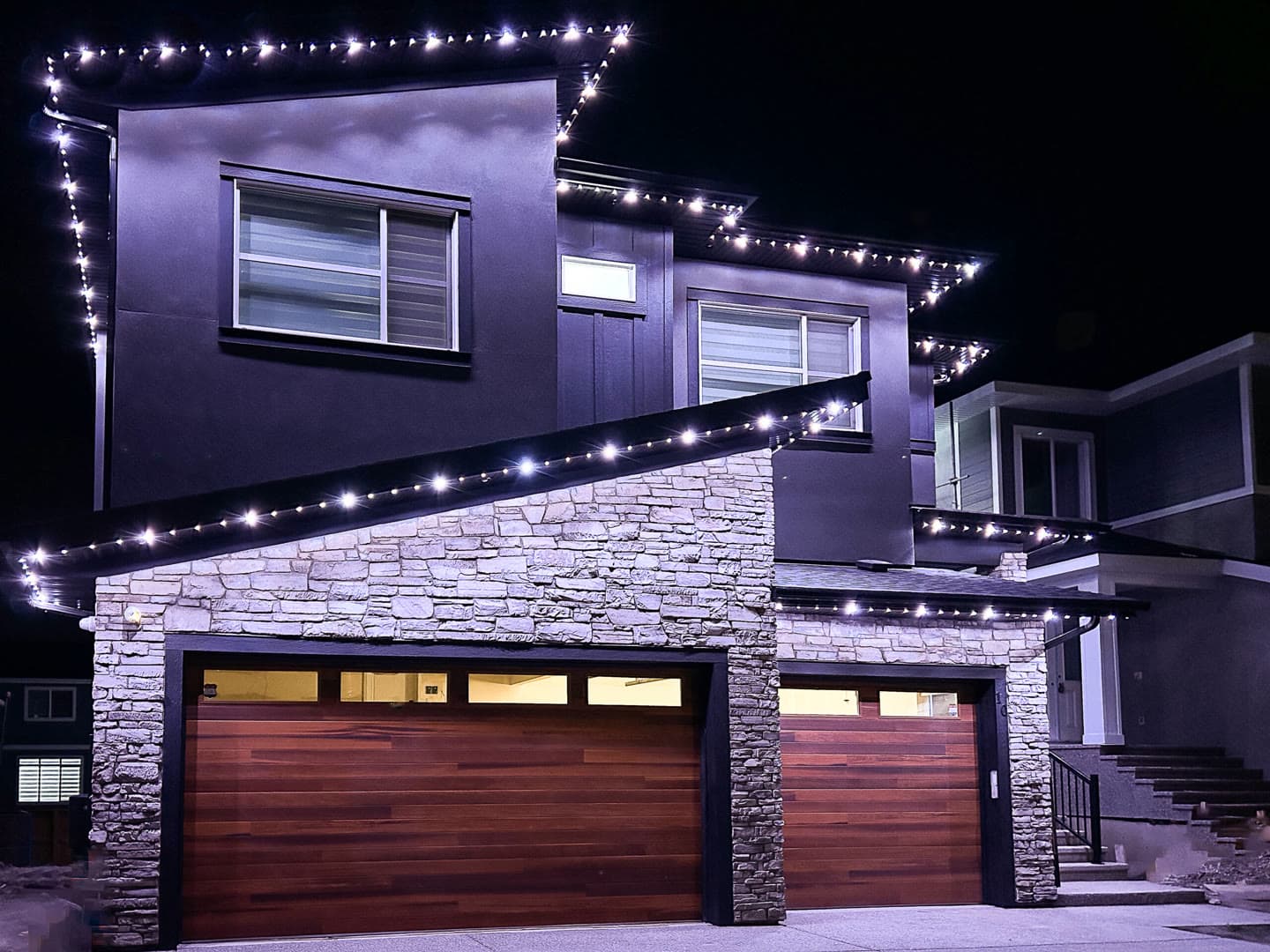
During installation, the system is divided into zones, sections of the roofline, peaks, gables, the garage line, and accents, that can be controlled separately. Zones are what let you run one colour on the main roofline and another on the front peak, or light just the entrance, rather than the whole house always being one flat colour.
Good zoning, planned to your home's architecture, is a big part of what makes a system look designed rather than just switched on.

Scenes: your looks, saved
A scene is a saved look, a particular combination of colours, zones, brightness and effects, that you can bring back with a single tap. You set up your favourites once, warm white for everyday, your Diwali golds, your Christmas look, team colours, and then recall them instantly whenever you want, year after year.
Scenes are what make the system effortless in daily use: the flexibility of millions of colours, without having to build a look from scratch each time. At handover, your favourite scenes are set up and saved so the system is ready to use from day one.